Send an SOS
Alert your operators when you need help.
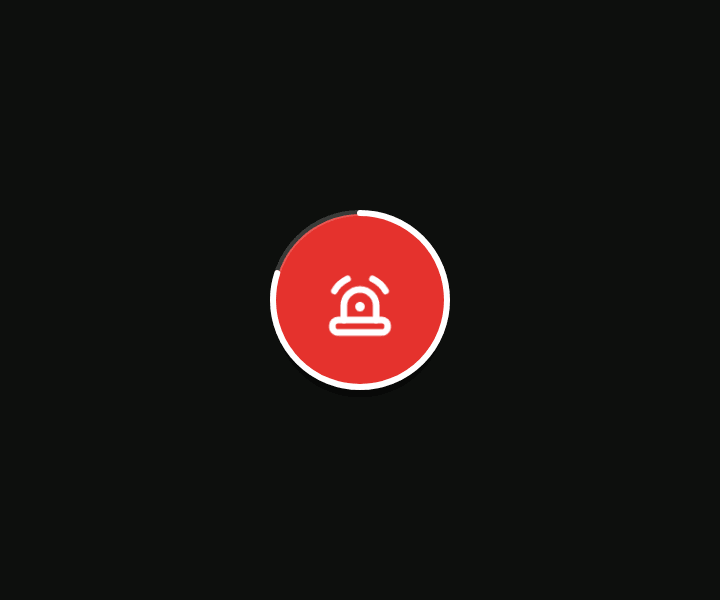
The round red SOS button is on the map if your organisation uses Messages. If you don't see it, ask them what to do in an emergency.
Send it
- Press and hold the SOS button for 3 seconds. A white ring fills and the phone pulses, then gives a strong buzz.
- The SOS chat opens. Use it to tell your operators what's wrong.
A quick tap does nothing except remind you to hold. If you let go early or drag, nothing is sent.
What you'll see next
| You see | It means |
|---|---|
| “SOS sent. Your operators have been alerted.” | It went through. |
| “No signal. Your SOS is saved and will send as soon as the phone has signal.” | The phone keeps trying, even after a restart. A small clock shows on the button. The alert says when and where you pressed it. |
| “Your SOS couldn't be sent. Call for help another way.” | It didn't go through. Don't wait: use another way. |
While an SOS is active, the button has a white rim and the phone tracks at full power for a while, however low the battery mode is set. How long depends on your battery. Pressing again restarts that time.
If you pressed it by mistake
The app has no cancel. Tell your operators in the SOS chat, or phone them.