Join an event
Take part in an event with its code. You don't need a username or password.
If you have login details from your organisation, sign in with those. This page is for joining with a code.
Join
- On the sign-in screen, tap Have an event code?
- Enter the 8-character code from the organiser and tap Next.
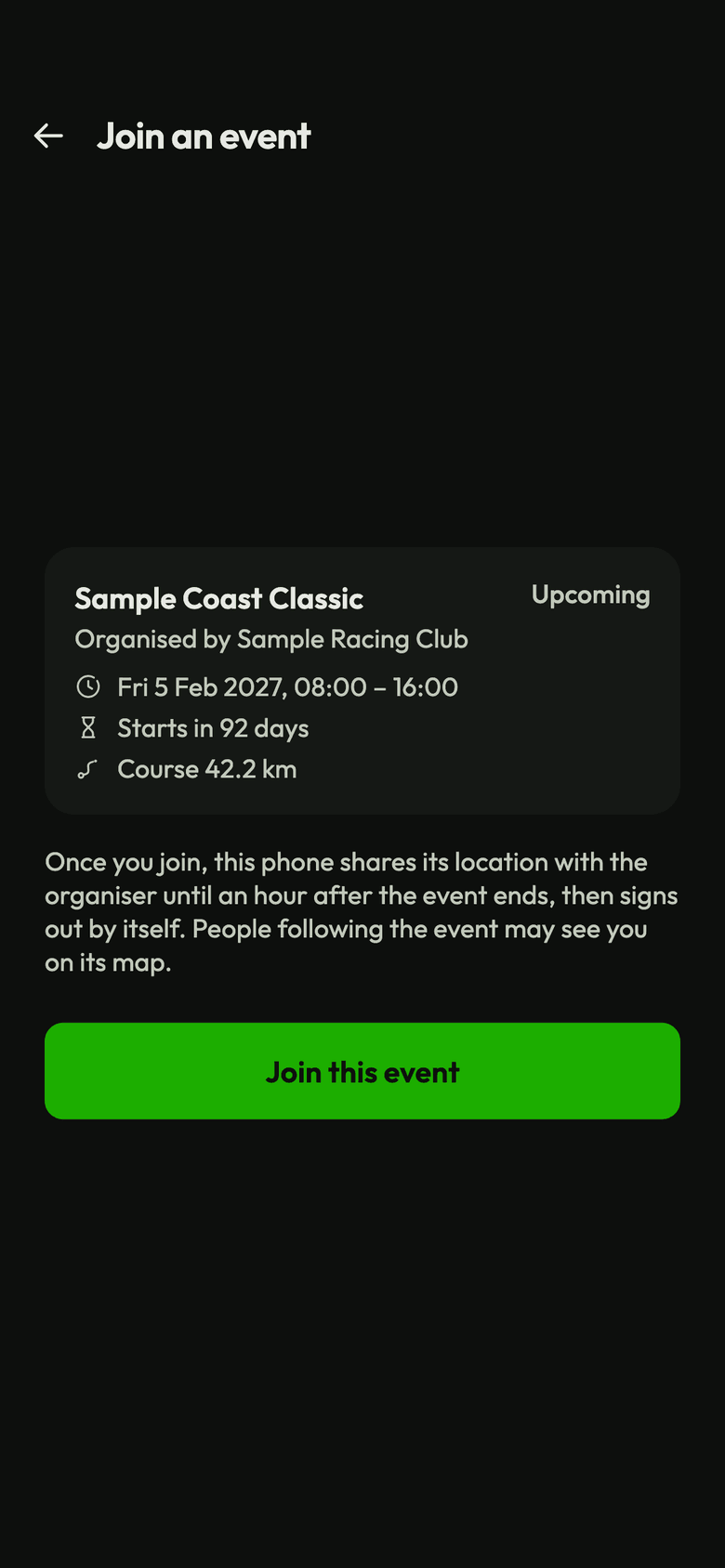
- Check the event. It tells you that your phone shares its location with the organiser until an hour after the event ends, and that people following the event may see you on its map. Tap Join this event.
- Enter Your name. Spectators may see it, with three digits added to tell people apart, like “Mike 623”.
- Answer Will someone under 18 use this phone?
- Tap Join event. For someone under 18, tap Next: consent form instead.
Then allow location if you haven't already.
If someone under 18 will use the phone
A parent or guardian has to agree. Nothing is tracked until they do.
- Fill in the form under Parent or guardian consent, accept each statement, and type the parent or guardian's full name to sign.
- Tap Send for confirmation. They get an email.
- The screen says Waiting for consent, and signs you in as soon as they confirm. Tap Check now to look again.
If they miss it, use Change the details or email. If you see “The request expired”, tap Fill in the form again.
During the event
An event chip on the map shows the event's name, and Live or how long until it starts. Tap it to see the dates and the course map.
The event doesn't change how the app tracks you. Check your battery mode, and ask the organiser whether your event has SOS.
After the event
The phone signs out by itself an hour after the event ends. If you sign out earlier, you can join again with the code until the event ends.
If you can't join
| You see | What to do |
|---|---|
| “That event code isn't recognised. Check it with the organiser.” | Check the code. |
| “This event is full: no more phones can join with this code.” | Tell the organiser. |
| “This event isn't taking sign-ups right now.” | Ask the organiser when it opens. |
| “This event has ended. Thanks for taking part!” | There's nothing more to do. |
| “Please choose a different name.” | Choose another name. |
| “The organiser removed this phone from the event.” | Ask the organiser. |
| “Update the app to join events.” | Update 3Trax Node from your store. |